
Resource Centre
Keep Up to Date With Our Latest Posts
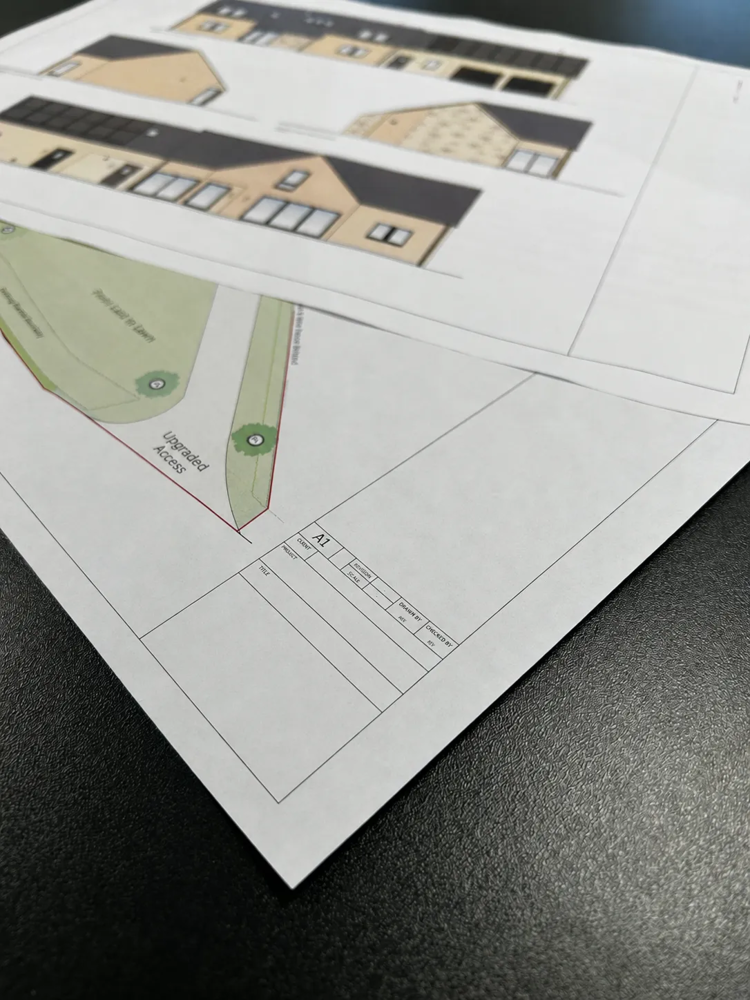
Where Early-Stage Profit Actually Gets Lost
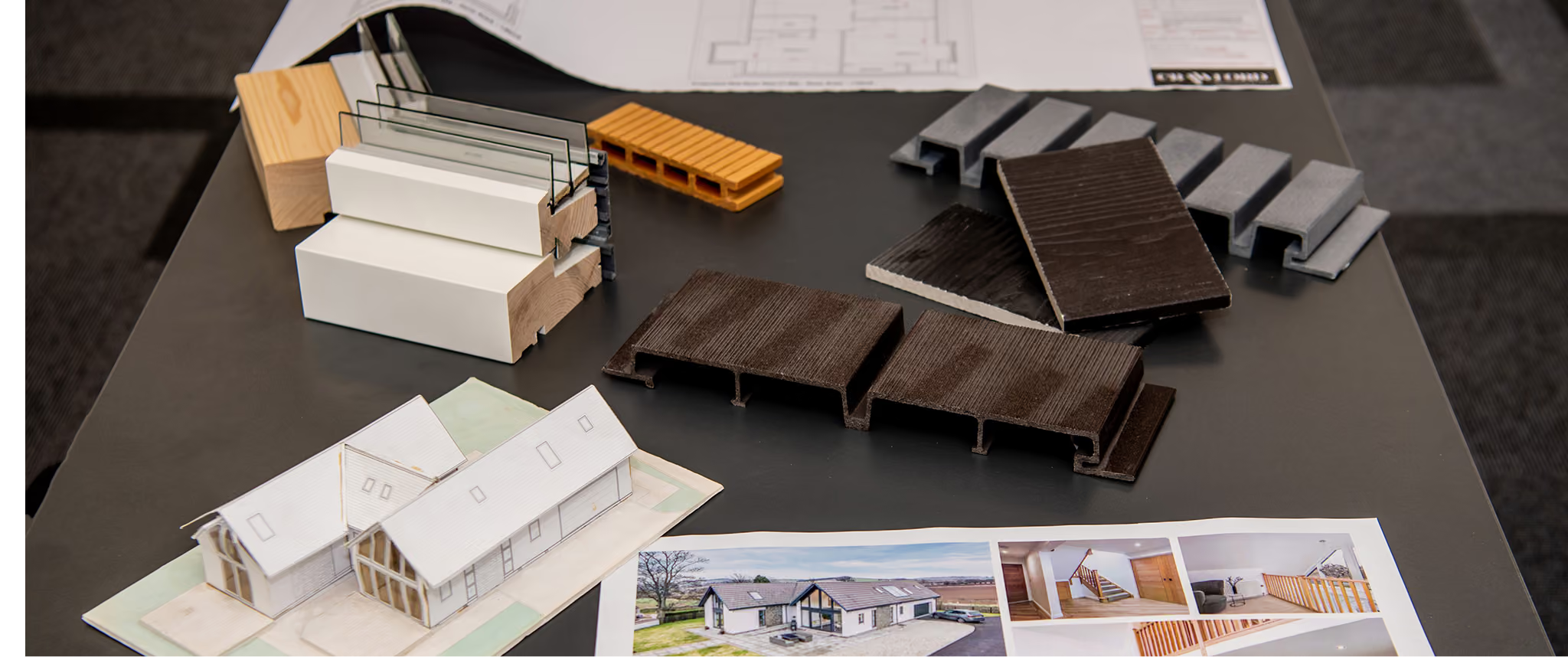
It wasn't the buildings that fascinated me. It was the business behind them.

The brief is the most expensive document in the whole project.
Keep Up to Date With Our Latest Releases
Version 2026.9.0 Release
Version 2026.9.0: A New Look for Your Forms
A Fresh Look for the Forms Your Customers Fill In
Every form now opens with your logo and the form's name, with a compact progress strip and Back/Next always in view as you scroll. A new page list lets respondents jump between pages, each with its own completion ring and, when scoring is on, a running score. Questions sit one to a card with their help text underneath, and every control, from sliders to signatures, takes its colours from your theme in light or dark mode. The Review page, Results page, exported PDF, and the live preview in the template builder and theme editor all share the new look.
Send a Form Straight From Your Templates
Every published template now has an Issue Form button, on its card, in the list view, and in its side panel, so you can start a new request with that template already chosen.
Stay in the Loop on Every Submission
When a form is submitted, the requestor and the team it was issued for are emailed automatically. Don't want the emails? Turn off "Email me when a form is submitted" under My Profile → Notification Preferences.
Also in This Release:
- Smoother User Invites: New users can be invited with their roles and teams already assigned, ready to work the moment they accept.
- Custom Toggle Labels: Toggle questions can show your own labels, such as "Yes" and "No," instead of True/False.
- Faster Option Editing: Editing options in the template builder is quicker, with labelled fields, images above each option, and Enter to add the next one.
- Clearer Copy and Paste: Paste markers, Paste above/below from the page menu, and Escape to cancel a copy, all in the template builder.
- Reliable Sliders: Sliders now accept every position you can drag them to, fixing an issue where valid answers could be wrongly blocked from submission.
- Complete Video Exports: Exports now include every uploaded video, each one named in the PDF so it's easy to find.
- One-Click "Select All": Checkbox questions gain a "Set to N" option beside Maximum Selected, to allow every option to be chosen.
- Clearer Conditional Logic: Pages affected by a rule now carry a badge in the page list, and more impossible rule combinations are caught before you save.
Plus a number of smaller quality-of-life and accessibility improvements throughout.
Version 1.4.0 Release
Version 1.4.0: Analytics and Full Theming
Know How Your Forms Are Performing
New analytics show you starts, submissions and completion rates, how long forms take to finish, and how long respondents spend on each page as they move through a form. A new organisation-wide dashboard rolls this up across all your Forms and Templates, with a full activity timeline and first-time versus returning insights on every response.
A Fresh New Look
We've completely overhauled the interface from the ground up: more modern, cleaner and easier to navigate throughout. It now works beautifully on mobile and tablet as well as desktop, with bigger touch targets and smoother navigation, so you can manage your forms on the go.
Also in This Release:
- Visual Question Types: Image-based checkbox and radio options for more visual, engaging questions.
- Never Lose Work: You're now warned before leaving a page with unsaved changes.
- One-Click Colour Copy: One-click copy on the theme colour picker.
- Refreshed Mobile Experience: A top-to-bottom refresh of the mobile experience, with bigger touch targets and smoother navigation throughout.